
Hardcoded Credentials: What They Are and How to Fix Them
How CWE and OWASP classify hardcoded secrets, how to find them, and a step-by-step fix for teams of 2 to 20.
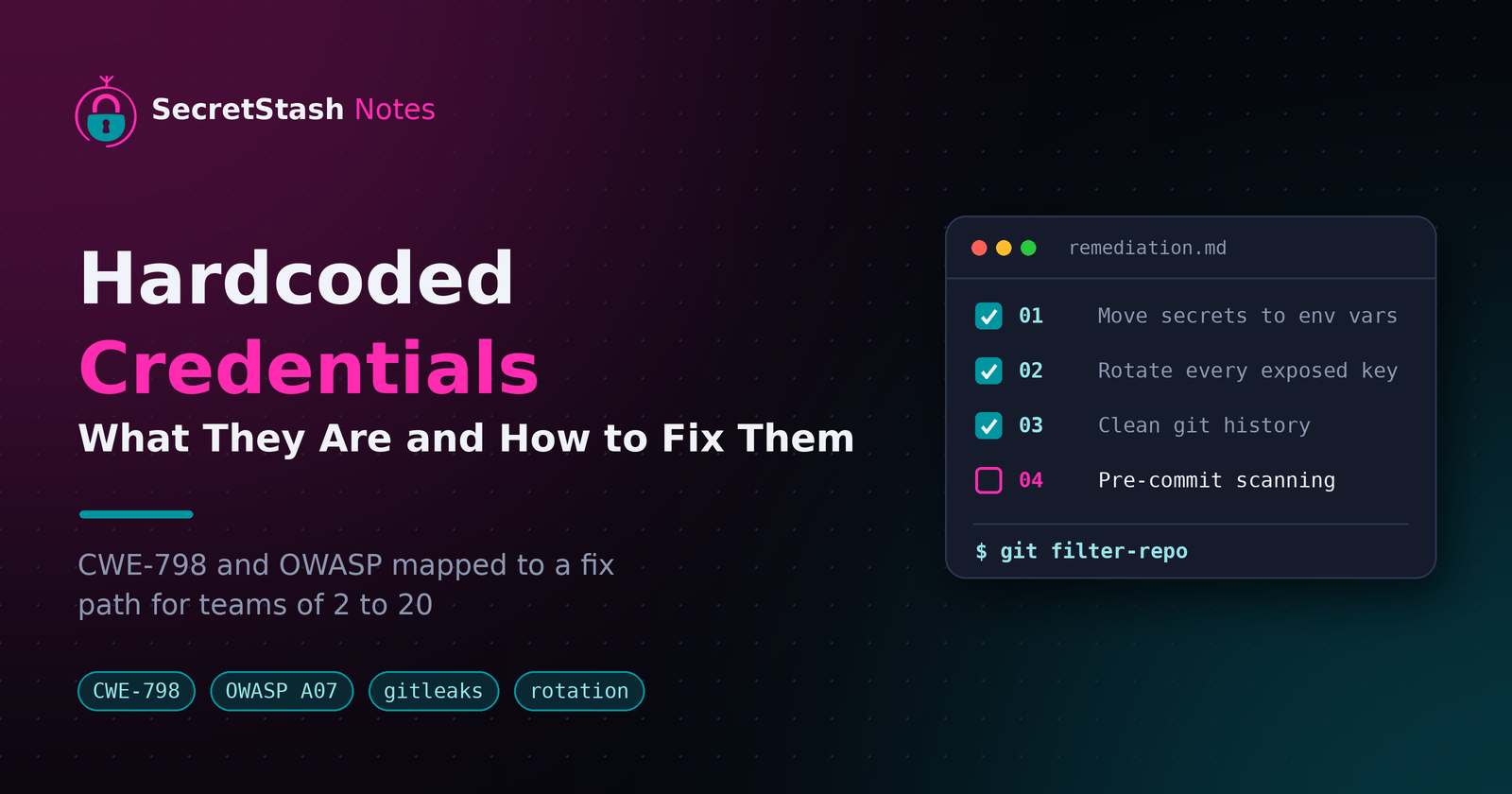
Key takeaways
- Hardcoded credentials are API keys, passwords, and tokens written into source code instead of loaded from environment variables, classified by MITRE as CWE-798.
- Any secret ever committed to git must be treated as compromised, so rotating the credential always comes before cleaning history with
git filter-repo. - OWASP maps hardcoded credentials to A07: Identification and Authentication Failures and A02: Cryptographic Failures in the 2021 Top 10.
- Automated scanners like gitleaks and trufflehog find secrets in current files and full git history, and pre-commit hooks stop new leaks from landing.
- Teams of 2-20 should store secrets in env vars synced from a secrets manager, keeping
.envfiles out of repos and CI pipelines entirely.
Hardcoded credentials are secrets like API keys, database passwords, and tokens written directly into your source code instead of loaded from environment variables. They map to CWE-798 and several OWASP categories, and they leak through git history, CI logs, and Slack-shared .env files. This guide classifies each variant and gives you a concrete remediation step for every one, sized for a team of 2 to 20.
What Are Hardcoded Credentials?
Hardcoded credentials meaning in plain terms
Hardcoded credentials are secrets written directly into your source code: API keys, database passwords, and tokens committed alongside your application logic. MITRE defines this as CWE-798, the use of hard-coded credentials, and tracks related variants like hard-coded passwords (CWE-259) and use of hard-coded cryptographic keys (CWE-321) in its CWE-798 entry. The problem spans related weaknesses too, including CWE-778, where insufficient protection of stored credentials leaks them through logs or repos.
Examples in Laravel and Node.js code
In Laravel (PHP), hardcoding looks like new PDO('mysql:host=...', 'root', 'hunter2') instead of reading config/database.php values from env vars. In Node.js, it's const stripe = require('stripe')('sk_live_...') sitting in a route file. Both end up in git history, where anyone with repo access (or an AI agent reading your project directory) can extract them. Moving secrets into .env files is step one; teams of 2-20 usually need a tool like SecretStash to share them without Slack.
// Hardcoded (CWE-798)
$pdo = new PDO('mysql:host=...', 'root', 'hunter2');

// config/database.php, reading from env vars
'password' => env('DB_PASSWORD'),
// Hardcoded (CWE-798)
const stripe = require('stripe')('sk_live_...');

// Read from the environment instead
const stripe = require('stripe')(process.env.STRIPE_SECRET);
How CWE Classifies Hardcoded Credentials (CWE-798)
CWE-798 is the Common Weakness Enumeration entry for "Use of Hard-coded Credentials": passwords, API keys, or tokens written directly into source code instead of loaded from environment variables or a secrets manager. CWE is MITRE's taxonomy of software weaknesses, and CWE-798 is the parent category that scanners and security reports map hardcoded credentials to.
Related CWE entries: CWE-259, CWE-321, CWE-778
CWE-798 has children that describe specific variants. Knowing which one your codebase matches helps you pick the right fix.
| CWE | Name | Typical example |
|---|---|---|
| CWE-798 | Use of Hard-coded Credentials | An AWS key pasted into config/services.php |
| CWE-259 | Use of Hard-coded Password | A database password in a bootstrap file |
| CWE-321 | Use of Hard-coded Cryptographic Key | An encryption key committed alongside the code that uses it |
| CWE-778 | Insufficient Logging of Authentication | Adjacent: missing audit trail when credentials are used |
The distinction matters for remediation. CWE-259 and CWE-321 are solved by moving the value out of code and into env vars pulled from a secrets manager at runtime, which is what SecretStash's CLI-first workflow is built around. CWE-321 additionally requires rotating the exposed key, since anything committed to git history must be treated as compromised.
How OWASP Classifies Hardcoded Credentials
OWASP Top 10: A07 and A02 mapping
The OWASP Top 10 2021 places hardcoded credentials under A07: Identification and Authentication Failures, which covers passwords used as system IDs and credentials stored in code or config. The same credentials also feed A02: Cryptographic Failures, because secrets shipped in plaintext (a .env committed to git, a key in a Laravel config file) are effectively unprotected data. The practical takeaway: committing .env files to your repo fails both categories at once, which is why the Slack-based sharing habit is riskier than it feels.
OWASP ASVS and secrets management requirements
ASVS, OWASP's verification standard, treats credential storage as a testable requirement:
- Secrets must not be recoverable from source code.
- Applications must support secret rotation without code changes.
That gives you a concrete checklist when auditing a codebase. Tools like HashiCorp Vault are built around these requirements, though for teams of 2-20 the overhead may exceed the need; we compare lighter options in SecretStash vs HashiCorp Vault.
Why Hardcoded Credentials Are a Real Risk for Small Teams
Git history keeps secrets forever
Delete a key from your .env file and commit, and the secret still lives in every previous commit. Anyone with repo access, or anyone who clones a fork or a leaked copy, can run git log -p and read it. Rotating the key is the only real fix, and rotation means touching every app that uses it.
AI agents and code reviewers reading your repo
Developers report AI coding agents reading through project directories and dumping credentials into prompts, with keys only noticed after revocation. Every hardcoded secret is now one prompt away from leaving your machine. A cookie-style consent or audit trail (like SecretStash's) at least tells you what left; a hardcoded string tells you nothing.
Shared codebases in agencies multiply exposure
An agency with ten client apps and hardcoded config has ten blast radii, plus every freelancer and new hire who ever cloned a repo. One leaked staging key in a client's Laravel app can end a contract. Centralizing env vars per project and environment shrinks that surface to a single access point you can revoke.
How to Find Hardcoded Credentials in Your Codebase
Before you fix anything, find out what's actually there. OWASP's secrets management cheat sheet recommends automated scanning as the first step, because manual greps miss base64 blobs, JWTs, and keys split across files.
Git history scanning
A secret in your current files is only half the problem. If it was ever committed, it lives in history forever, and deleting the file in a later commit doesn't remove it. Run a scanner like gitleaks or trufflehog against the full repo. Trufflehog can also verify whether leaked keys are still active, which tells you what to rotate first.
# Scan the full git history
gitleaks detect --source . --verbose

# Scan history and report only keys that are still active
trufflehog git file://. --only-verified
Pre-commit hooks
Scanning once finds existing leaks; a pre-commit hook stops new ones. Both gitleaks and trufflehog ship hook integrations that block a commit containing anything that matches their secret patterns. Wire them into your repo so every developer and every AI agent's commit gets checked before it lands. Scanners only read repo content, so review your scanner's own data handling in the privacy policy of any tool you adopt.
The Remediation Path: Fixing CWE-798 in Practice
Fixing CWE-798 means moving each hardcoded credential out of source, rotating it, scrubbing history, and adding a guardrail so it stays out.
Step 1: Move secrets to environment variables
Replace each hardcoded value with process.env.KEY or Laravel's env() call, and put the actual value in a .env file that's already in .gitignore. Confirm nothing breaks locally, then update staging and production to pull the same variables.
# .gitignore
.env
Step 2: Rotate every exposed credential
Treat every secret that ever touched source as compromised. Generate new API keys, database passwords, and signing keys, update them in your env files, and revoke the old ones. Rotation is the step teams skip, and it's the one that matters most once a key has been pushed.
Step 3: Clean git history
Rotation and history cleaning go together, because a rewritten history is useless if the old key still works. Use git filter-repo to strip the secret from every commit, force-push the rewritten branches, and have every teammate re-clone rather than pull.
# replacements.txt contains: sk_live_...==>REMOVED
git filter-repo --replace-text replacements.txt
git push --force --all
Old forks and stale clones on laptops still contain the credential, which is exactly why Step 2 comes first: if the exposed key is revoked, a surviving copy is harmless. Cleaning history without rotating gives you a false sense of security; rotating without cleaning leaves the evidence in place for anyone who digs.
Expect the rewrite to break open pull requests, so merge or close them before you force-push, and communicate the re-clone deadline to the whole team so nobody keeps working from a stale copy that reintroduces the old history on the next push.
Step 4: Prevent regression with pre-commit scanning
Add a pre-commit hook that scans staged files for key-shaped strings before they're committed. Gitleaks or a similar scanner catches the accidental paste of a .env file into the repo, which is how most hardcoded credentials actually get there.
# .pre-commit-config.yaml
repos:
  - repo: https://github.com/gitleaks/gitleaks
    rev: v8.18.0
    hooks:
      - id: gitleaks
Where to Store Secrets Instead: Comparing Options for Teams of 2-20
Comparison criteria applied honestly
Judge any option on four things:
- Secrets live outside the repo.
- Syncing to staging and production is automatic.
- Onboarding a new dev takes minutes without Slack.
- The CLI fits your existing Composer (PHP's package manager, the npm equivalent)/npm workflow.
Run every candidate through the same list, including SecretStash. If a tool fails a criterion, say so rather than round up.
Where SecretStash fits, and where it falls short
SecretStash targets teams of 2-20 shipping Laravel and Node apps, with a CLI-first flow that pulls env vars per environment, so a new hire runs one command instead of receiving a .env file in a DM. The free tier covers one project, which is enough to test the workflow but not enough to run an agency's whole portfolio.
Where it falls short: it is not a full secrets platform for large orgs, and it does not replace scanning your repo for credentials already committed. Run a detector like gitleaks against your git history first, since moving forward with leaked keys still in history solves nothing.
Hardcoded Credentials in CI/CD Pipelines
Injecting env vars at deploy time
Your CI system should never hold app secrets in the config file itself. Instead, store them once in a secrets manager and inject them as environment variables at runtime. GitHub Actions, GitLab CI, and similar tools each have a native way to reference stored secrets, so your deploy script reads $DATABASE_URL without the value ever appearing in YAML. The pipeline stays generic and portable across staging and production.
# GitHub Actions: reference a stored secret, never the value
- name: Deploy
  run: ./deploy.sh
  env:
    DATABASE_URL: ${{ secrets.DATABASE_URL }}
Why committing .env to CI repos is a terrible practice
Committing .env so the pipeline can read it puts the secret in git history permanently. Anyone with repo access, any fork, or any AI agent reading your project directory gets production credentials. Rotate the key once and you still have to rewrite history or accept it leaked. Keep .env out of the repo, reference the secret store from the pipeline, and pull values in during the deploy step only.
FAQ
Is it ever OK to hardcode credentials in code?
Practically never for production systems. The only defensible cases are throwaway scripts that never leave your machine, or placeholder values overwritten at deploy time. Anything committed to a repo, even a private one, should be treated as readable by every teammate, every fork, and every AI agent touching the project directory. Load real values from environment variables instead.
What is the difference between CWE-259 and CWE-798?
CWE-798 is the parent category covering any hard-coded credential: passwords, API keys, tokens, or cryptographic keys written into source. CWE-259 is a child entry specific to hard-coded passwords, such as a database password sitting in a bootstrap file. Scanners usually report findings as CWE-798, while CWE-259 tells you the specific variant is a password rather than a key or token.
How do I remove a secret from Git history after I already pushed it?
Rotate the credential first, because rewritten history is worthless if the old key still works. Then run git filter-repo to strip the secret from every commit, force-push the rewritten branches, and have teammates re-clone rather than pull. Stale forks and old clones may still contain the credential, which is harmless once the exposed key is revoked.
Do hardcoded passwords in test code count as CWE-798?
Yes, technically, since the weakness is defined by the credential being in source code regardless of environment. In practice, risk varies: a fake password in a unit test fixture is low risk, while a real staging database password in an integration test is a genuine leak that lands in git history. Scan test directories along with everything else.
What should I do first if I found an API key committed to my repo?
Revoke and rotate the key before touching anything else. Anything that has ever been committed must be treated as compromised, since it lives in git history even after deletion. Generate a replacement, update your environment variables, then clean history with git filter-repo and add a pre-commit scanner so the same paste doesn't happen again.
About the author
- I am a full-stack developer with a passion for creating intuitive and user-friendly experiences. With a strong background in frontend development and a deep understanding of backend technologies, I excel in building robust and scalable applications. My expertise spans across various frameworks and languages, allowing me to adapt to different project requirements. I am dedicated to staying updated with the latest industry trends and continuously improving my skills to deliver high-quality solutions.
Comments
Join the discussionNo comments yet. Be the first to comment.