
How AWS Environment Variables Work (and How They Compare)
Where AWS, GitLab CI, Jenkins, Docker Compose, and Python store, scope, and expose env vars, and which value wins.
Key takeaways
- AWS has no single place for environment variables: Lambda stores them in function config, ECS in task definitions, and EC2 has nothing built in.
- Lambda encrypts environment variables at rest with KMS, but anyone with
GetFunctionConfigurationpermission can read the values. - On every platform the closest definition wins: job-level variables beat group settings in GitLab, and shell exports beat
.envfiles in Docker Compose. - Compose distinguishes the project-root
.envfile used for substitution from theenv_filekey that injects variables into containers at runtime. - In Python, use
os.environfor required values so a missing variable fails loudly instead ofos.getenvdefaults silently pointing production at the wrong database.
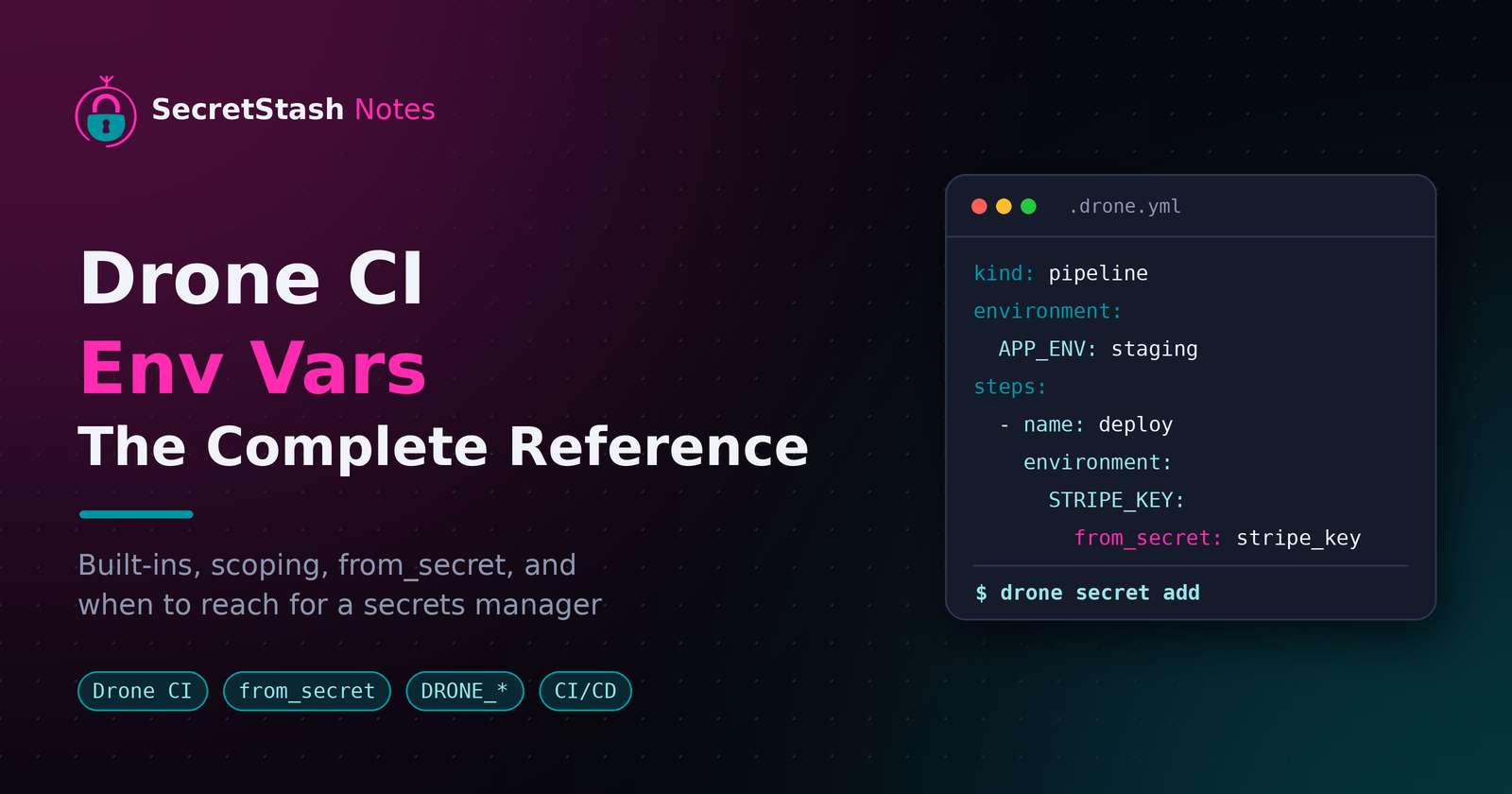
AWS environment variables are set per-service in the console or CLI, stored encrypted at rest, and exposed to your code at runtime, but their scoping and precedence rules differ from GitLab CI, Jenkins, docker-compose, and Python. This guide shows where each platform stores, scopes, and exposes env vars, so you can configure them consistently and stop pasting .env files over Slack.
What are environment variables and how do they work?
Environment variables are key-value pairs your app reads at runtime: DB_HOST, APP_KEY, STRIPE_SECRET. They let you change config per environment without touching code, which is why every Laravel (PHP) .env file and Node.js process relies on them.
Config vs. secrets: why env vars exist
Env vars separate two things: settings that differ between staging and production, and credentials that must never sit in your repo. AWS Lambda encrypts environment variables at rest with KMS, treating them as sensitive by default (AWS Lambda docs). Committing a .env file is the opposite of that.
Where teams lose track of them
Across five platforms, variables live in five different places:
- Lambda's console
- GitLab's CI settings
- A Jenkins plugin
- A compose file
- A shell profile
Small teams end up pasting .env files over Slack, and nobody knows which copy is current. A single source of truth, like SecretStash, exists because this drift is the default outcome, not a mistake.
How does AWS handle environment variables in Lambda, ECS, and EC2?
AWS has no single place for AWS environment variables. Each compute service stores, scopes, and exposes them differently, which is why the same app behaves differently as you move it from Lambda to ECS to EC2.
Lambda: console, CLI, and plaintext limits
Lambda stores environment variables in the function's configuration, set via the console or aws lambda update-function-configuration. They're scoped to one function version, capped in size, and encrypted at rest with a KMS key, but the values sit in plaintext storage unless you add your own encryption helpers. Anyone with GetFunctionConfiguration can read them.
aws lambda update-function-configuration \
  --function-name my-function \
  --environment "Variables={DB_HOST=db.internal,LOG_LEVEL=info}"
ECS task definitions and Secrets Manager injection
ECS puts environment variables in the task definition JSON, which means they're versioned with the task and visible to anyone who can describe it. For secrets, ECS injects values from Secrets Manager or SSM Parameter Store at container start using secrets or environmentFiles, so the plaintext never lands in the task definition itself.
EC2: nothing built in, so what do teams do?
EC2 is the awkward one: no console field, no injection. Teams fall back to .env files baked into AMIs, user-data scripts, or SSM Parameter Store with IAM-scoped access. If you're comparing that workflow against dotenv-based sharing, see our breakdown at secretstash.cloud/vs/dotenv.
How do you set environment variables in GitLab CI/CD pipelines?
GitLab CI/CD reads environment variables from .gitlab-ci.yml job definitions (variables: keyword) and from variables stored in the UI under Settings → CI/CD, then injects them into every job's shell.
variables:
  LOG_LEVEL: "info"

deploy_staging:
  variables:
    APP_ENV: "staging"
  script:
    - echo "Deploying with $APP_ENV"
Project, group, and instance scope
- Project-level variables apply to that repo's pipelines only.
- Group-level variables flow into every project under that group, which is handy for a shared staging database host across client apps.
- Instance-level variables apply to the whole GitLab server, typically self-hosted.
Masked and protected variables
Masking hides a variable's value in job logs; protection limits it to protected branches and tags, so production secrets never reach feature-branch pipelines. Masked values have formatting constraints (no newlines, limited characters), which trips people up with JSON blobs.
Precedence: which value wins
Job-level variables override project, group, and instance values. A variable defined twice at different scopes resolves to the most specific one, so a stray job-level default can silently mask a group secret.
This is why teams pull secrets from a manager at deploy time instead, the same pattern AWS uses when it injects secrets into containers from a task definition (AWS container docs). Tools like SecretStash or Doppler fit that model for GitLab pipelines too.
How do Jenkins environment variables differ from GitLab's?
Jenkins defines environment variables at three layers:
- Globally under Manage Jenkins → System
- Per job in the configuration UI
- Inside declarative pipelines with the
environment {}block
GitLab collapses these into a single project/group/instance hierarchy with protected and masked flags. Jenkins precedence runs pipeline block, then job config, then global; GitLab runs job-level, then group, then instance.
Jenkins credentials binding
Credentials live in Jenkins' credential store and reach your build through the withCredentials step or credentials() syntax in a pipeline environment {} block. GitLab instead marks a CI/CD variable as masked or protected. Jenkins gives you finer control per stage; GitLab is simpler to audit at a glance.
pipeline {
  agent any
  environment {
    STRIPE_SECRET = credentials('stripe-secret')
  }
  stages {
    stage('Deploy') {
      steps {
        sh './deploy.sh'
      }
    }
  }
}
Why Jenkins environment variables leak in logs
sh steps echo output by default, and anything interpolated into a command line can land in the console log, which Jenkins keeps indefinitely. Wrap secret usage in withCredentials and set returnStdout: false, or mask output. The same discipline applies to GitLab masked variables, which only hide values matching a strict pattern. If your team is juggling .env files across Jenkins, GitLab, and staging, a shared store like SecretStash keeps one source of truth.
How do you pass environment variables with docker-compose?
Compose pulls variables from three places:
- The compose file itself
- Your shell
- A
.envfile in the project directory
Knowing which one wins matters, because a staging container that picked up the wrong value usually means a precedence rule you missed.
The .env file vs. the env_file key
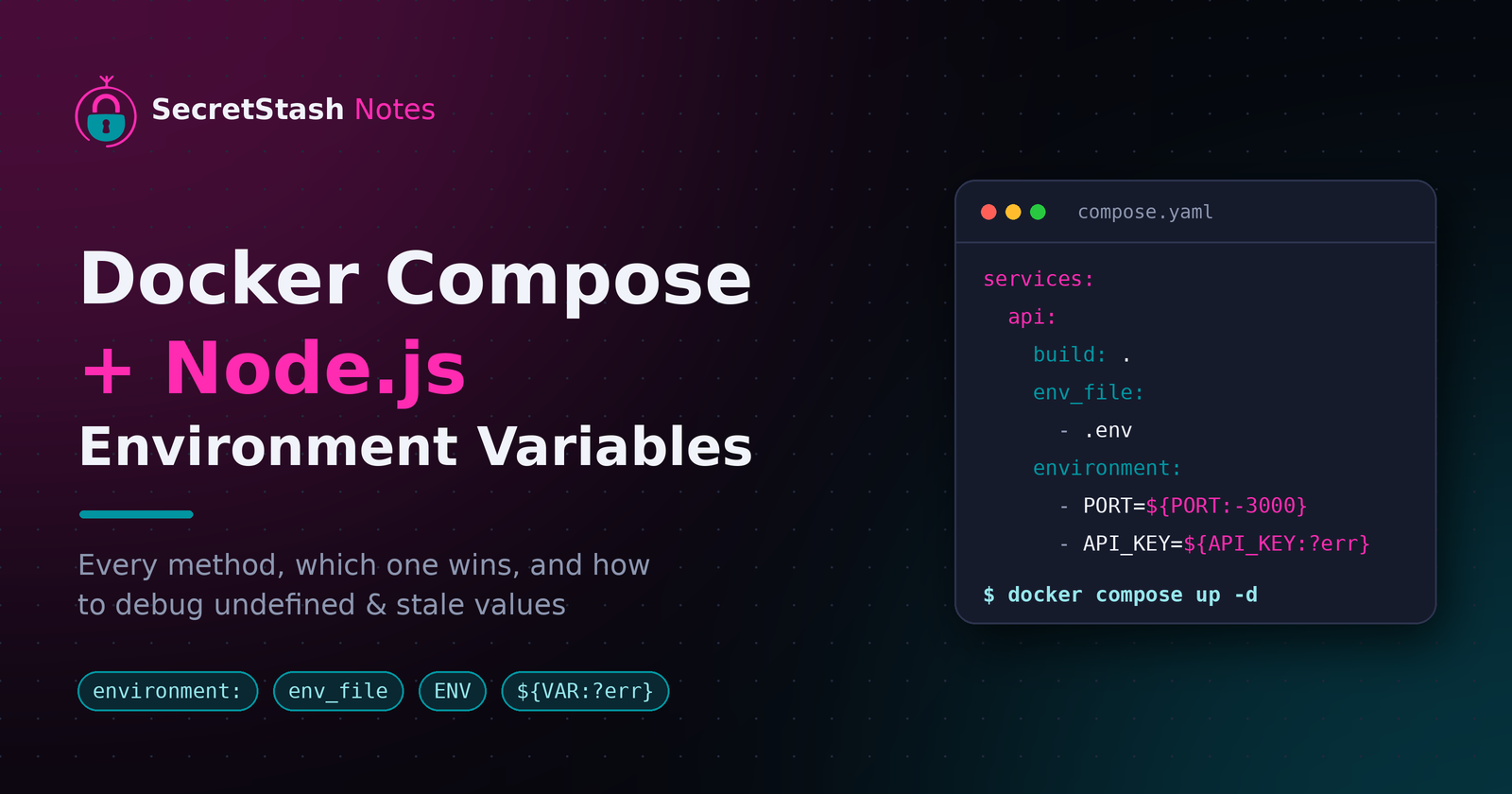
The .env file in your project root sets substitution values used when Compose parses the compose file. The env_file: key inside a service definition does something different: it injects variables directly into that container at runtime. Mixing them up is the classic "why is APP_URL empty in the container but fine in my shell?" bug.
services:
  app:
    image: "myapp:${APP_TAG}"   # substituted from the project-root .env
    env_file:
      - ./app.env               # injected into the container at runtime
Shell and host variable substitution
Syntax like ${DB_PASSWORD:-fallback} is resolved on the host before the container ever runs, so values set in your shell override the .env file. This is also how secrets leak: a variable exported in your shell session silently wins over everything in the file.
Precedence order in Compose
Compose resolves values in this order:
- Shell or CLI environment
- The compose file's
environment:block env_file:- The project
.env - The image's built-in defaults
The Compose environment variables reference documents the full chain. If you're syncing these values across Compose, CI pipelines, and staging servers by hand, tools like SecretStash exist to stop the Slack-and-.env-file shuffle.
How do you set and read environment variables in Python?
Python reads env vars through the os module. os.environ["KEY"] raises KeyError if the variable is missing, which fails fast. os.getenv("KEY") returns None instead, and os.getenv("KEY", "default") supplies a fallback. Use os.environ[...] for anything your app cannot run without.
os.environ vs. os.getenv
os.environ is a live mapping: assigning os.environ["KEY"] = "value" sets the variable for the current process and any child processes it spawns. os.getenv is a read-only convenience wrapper around os.environ.get(). If you need to write, modify, or delete variables (os.environ.pop("KEY")), work with os.environ directly.
python-dotenv and load order
The python-dotenv package loads a .env file into os.environ at startup with load_dotenv(). Call it before your app reads config, ideally at the top of your entrypoint. By default it does not override variables already set in the environment, so shell and CI values win over file values. Pass override=True if you want the file to take precedence.
import os
from dotenv import load_dotenv

load_dotenv()  # shell and CI values win unless override=True

DATABASE_URL = os.environ["DATABASE_URL"]       # required: fails loudly if missing
LOG_LEVEL = os.getenv("LOG_LEVEL", "info")      # optional: a default is fine
Common mistakes: defaults that hide missing config
os.getenv("DATABASE_URL", "localhost") looks harmless but silently points production at the wrong database when the variable is missing. The same applies to empty-string defaults. Fail loudly with os.environ["..."] for required values, and reserve defaults for genuinely optional settings like log levels.
How do variable precedence and scoping rules differ across these platforms?
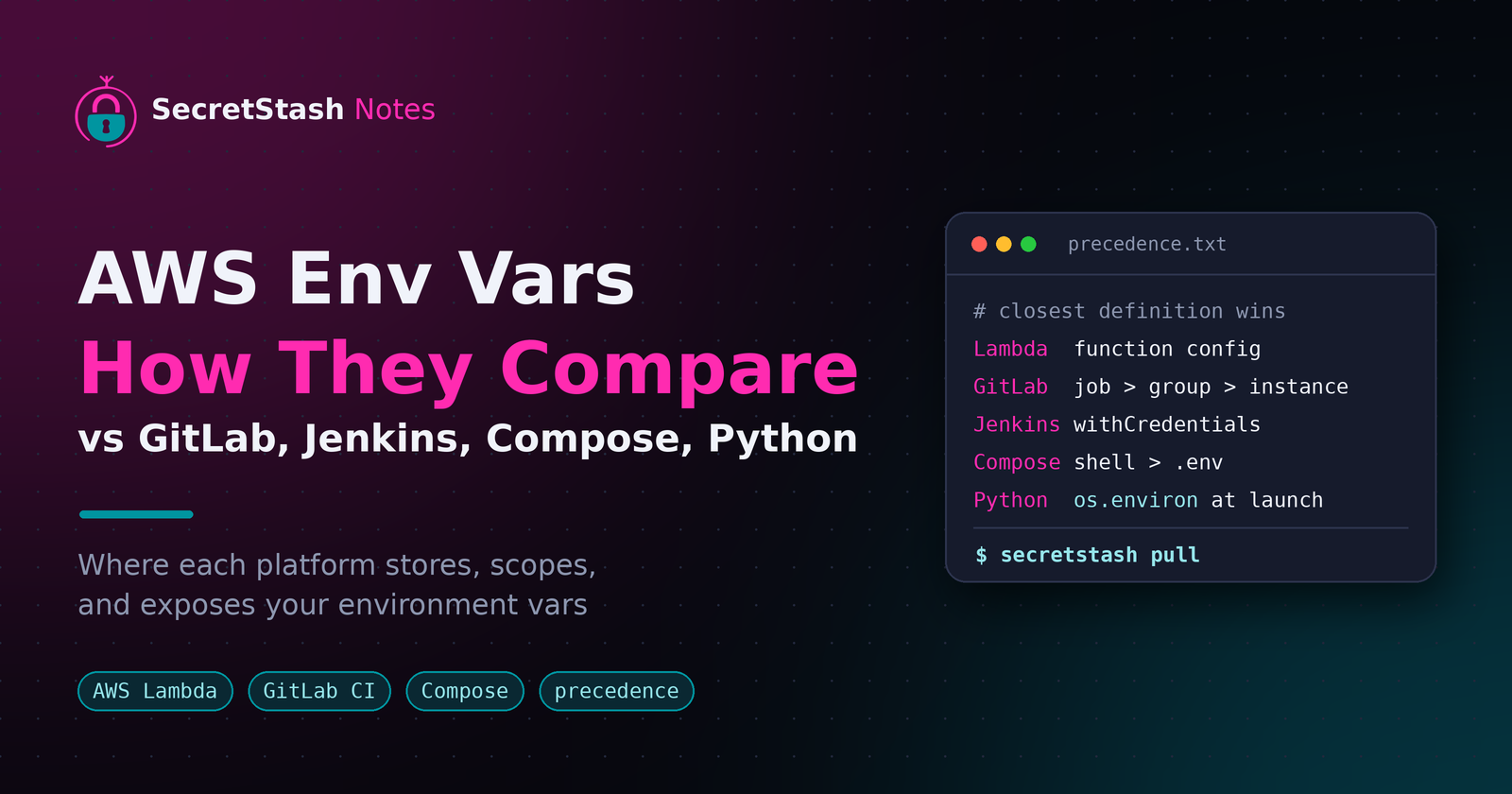
The short answer: the closest definition wins. On AWS Lambda, the function's own config beats any shell default; in ECS, container overrides beat task-level values; in Docker Compose, the shell environment beats .env, which beats the compose file's environment: block. In Python, os.environ is fixed at process start, so anything set after launch is invisible.
Side-by-side scoping and precedence table
| Platform | Highest precedence | Lowest precedence |
|---|---|---|
| AWS Lambda | Function environment config | Region/account defaults |
| GitLab CI | Job-level variables | Instance/group variables |
| Jenkins | withCredentials binding |
Node/system env |
| Docker Compose | Shell exporting the var | .env file |
| Python | os.environ at launch |
Anything set later |
What this means for a Laravel or Node deploy pipeline
If staging works but production fails, you're usually fighting precedence, not missing keys. A variable set in GitLab group settings silently overrides your .env, so your deploy runs with a stale value. Jenkins has the same trap: a credential bound with withCredentials masks whatever else defines that name (Jenkins pipeline docs).
Where a central manager fits (and where it falls short)
A tool like SecretStash or Infisical removes precedence ambiguity by making one source of truth per environment, injected at deploy time. It falls short where you need platform-native behavior, like Lambda's console config or Compose interpolation inside command: blocks, so keep those definitions in place and treat the manager as the pipeline-level source.
How do you keep these variables consistent across five platforms?
One source of truth, pushed to each platform
The workflow that stops drift is boring: one store holds every variable per app and environment, and each platform pulls from it.
- Your CI job fetches vars at runtime instead of committing
.envfiles. - Lambda and ECS get populated from the same store at deploy time.
- docker-compose reads a locally generated
.envso your laptop matches staging.
When a value changes, you change it once, not in five places.
Onboarding without Slack .env dumps
A new dev runs one CLI command, authenticates, and pulls the vars for the apps they work on. No screenshots of .env files in Slack, no hunting down which staging database URL is current, and no forgotten variable breaking their first local run.
Honest limits of a sync tool
SecretStash is built for teams of 2 to 20 running multiple apps, and it syncs variables well. It does not rotate credentials, audit every read, or replace a dedicated secrets store if you need those. If your stack is one app with three vars, a shared file is still fine.
FAQ
Are AWS Lambda environment variables encrypted?
Yes, but with a catch. Lambda encrypts environment variables at rest with a KMS key by default, yet the values sit in plaintext storage unless you add your own encryption helpers. Anyone with GetFunctionConfiguration permission can read them, so treat Lambda config as sensitive but not a secrets vault.
What is the difference between an environment variable and a secret?
An environment variable is any runtime key-value pair, like DB_HOST or a log level. A secret is a subset: credentials such as API keys or database passwords that must never sit in your repo or appear in logs. Platforms handle them differently, like GitLab masking versus ECS injecting from Secrets Manager.
Can I use the same .env file for Docker Compose and GitLab CI?
Partly. Compose reads a project-root .env for substitution and injects runtime values via env_file:. GitLab CI ignores .env files entirely and pulls variables from .gitlab-ci.yml or its UI settings. To share values, generate a .env from your CI variables at deploy time rather than committing one file.
How do I list all environment variables currently set in Jenkins?
Check three layers: Manage Jenkins → System for global variables, the job's configuration page for job-level ones, and pipeline environment {} blocks in your Jenkinsfile. For a runtime view, add a build step that runs env | sort or printenv, since that shows exactly what a build will see.
env | sort
Should I commit my .env file to Git?
No. A committed .env puts credentials in your repo history permanently, where anyone with repo access can read them, which is the opposite of what platforms like Lambda do by encrypting variables at rest. Commit a .env.example with keys and no values instead, and pull real values from a manager.
# .env.example
DB_HOST=
APP_KEY=
STRIPE_SECRET=
About the author
- I am a full-stack developer with a passion for creating intuitive and user-friendly experiences. With a strong background in frontend development and a deep understanding of backend technologies, I excel in building robust and scalable applications. My expertise spans across various frameworks and languages, allowing me to adapt to different project requirements. I am dedicated to staying updated with the latest industry trends and continuously improving my skills to deliver high-quality solutions.
Comments
Join the discussionNo comments yet. Be the first to comment.